 FastShare
Fast, free file transfer between phones and PCs
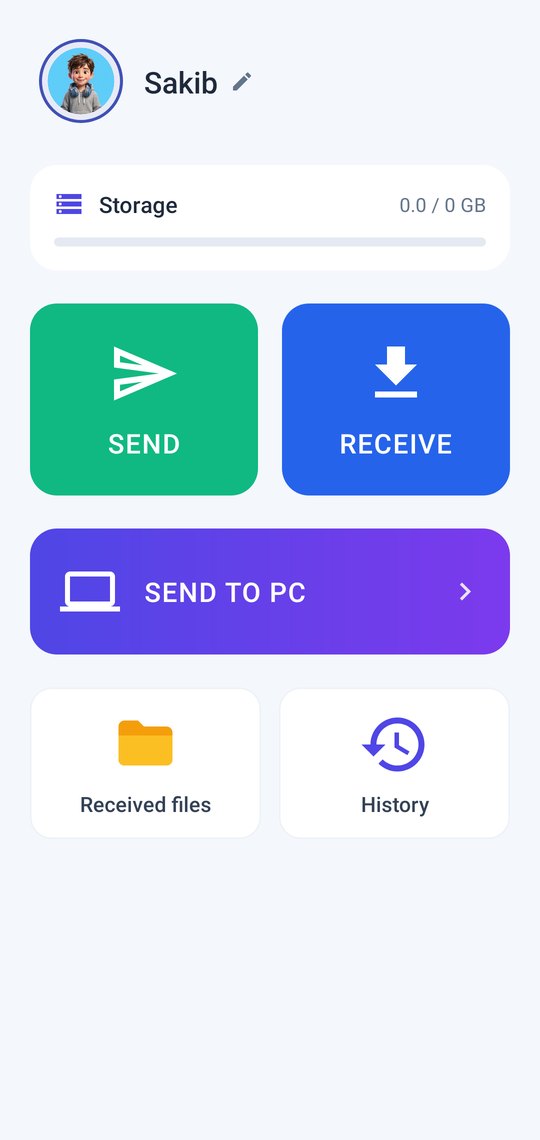
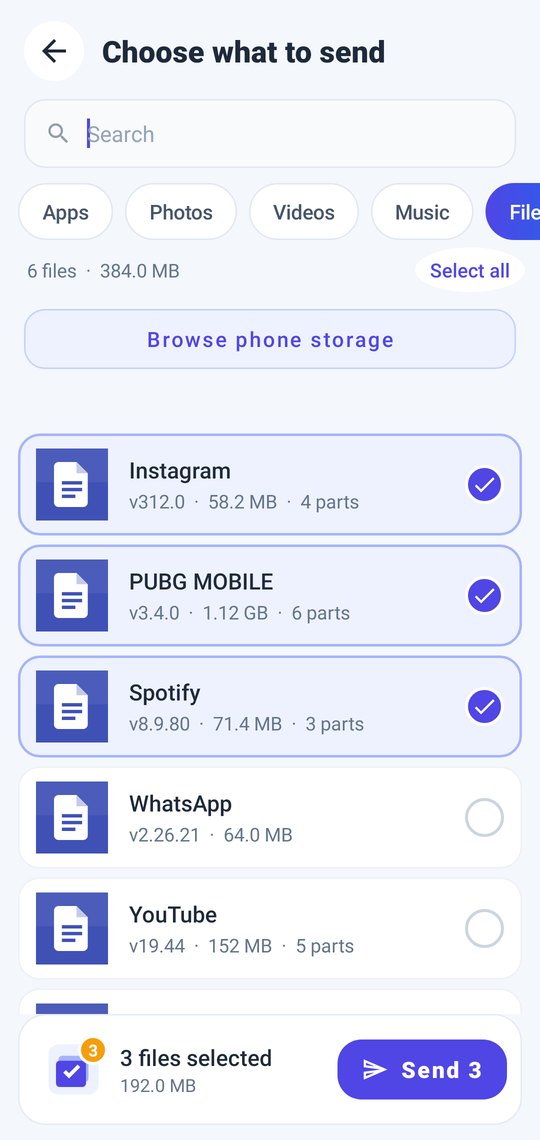
Send photos, videos, apps, music and whole folders over a direct Wi-Fi link. No internet, no cable, no account.
Android 7.0+ · Windows 7 SP1 / 8.1 / 10 / 11 · Also: Windows portable · Windows 32-bit · all files & checksums
Features
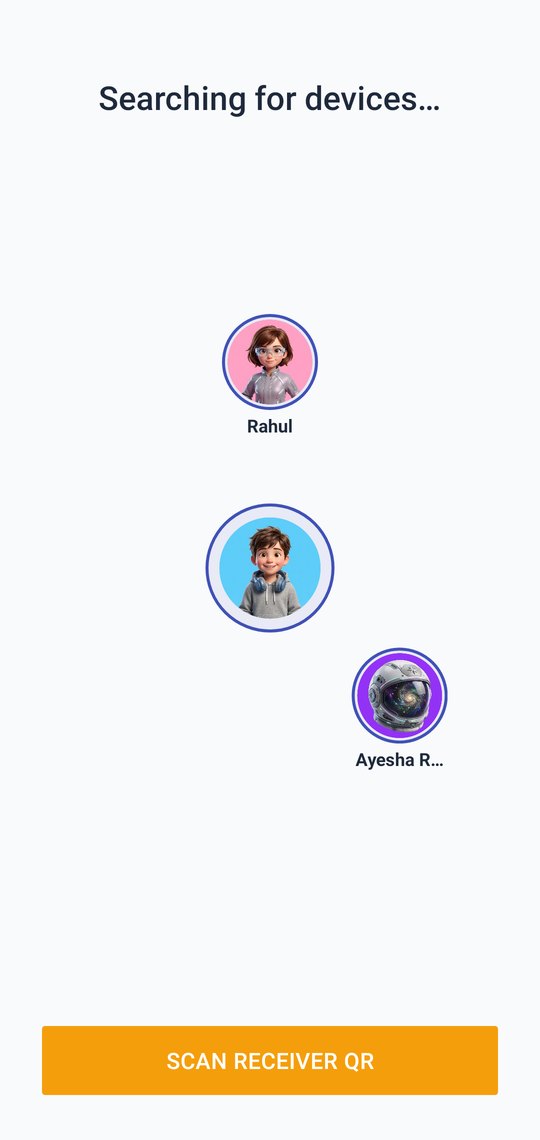
Phone to phone, directWi-Fi Direct link between the phones. 5 GHz automatically when both phones support it, 2.4 GHz otherwise.
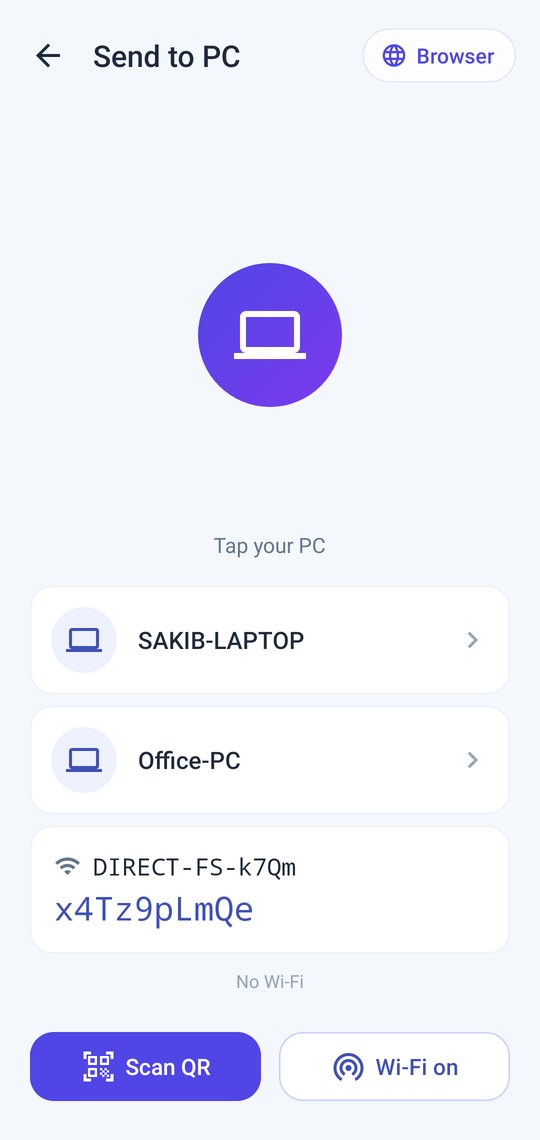
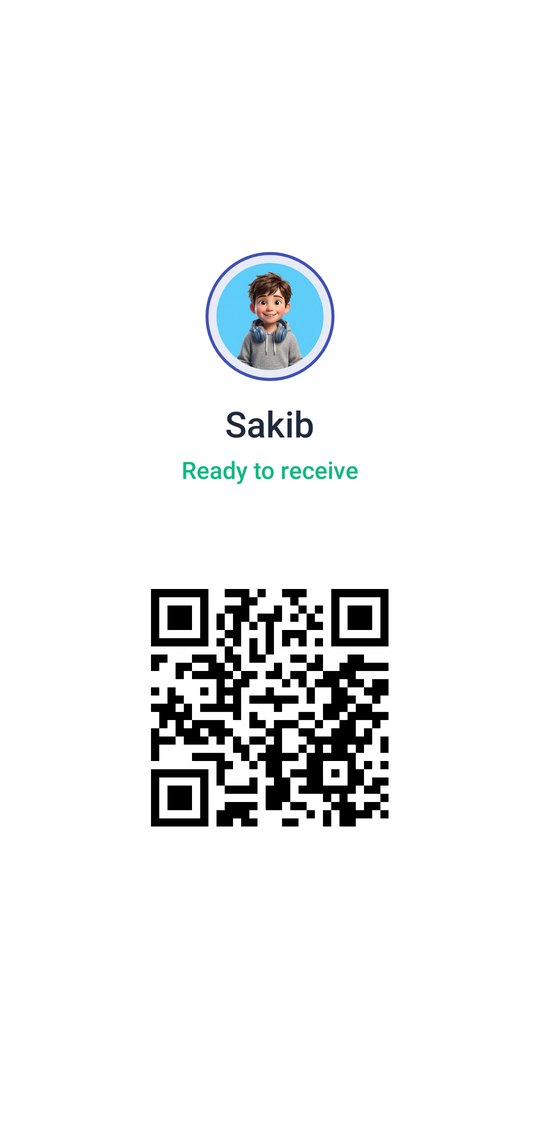
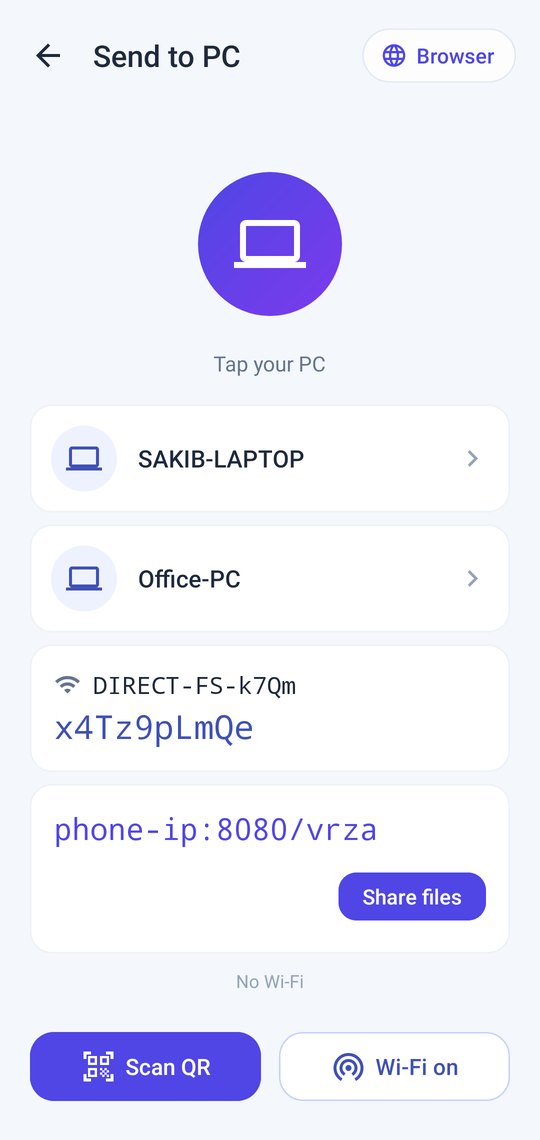
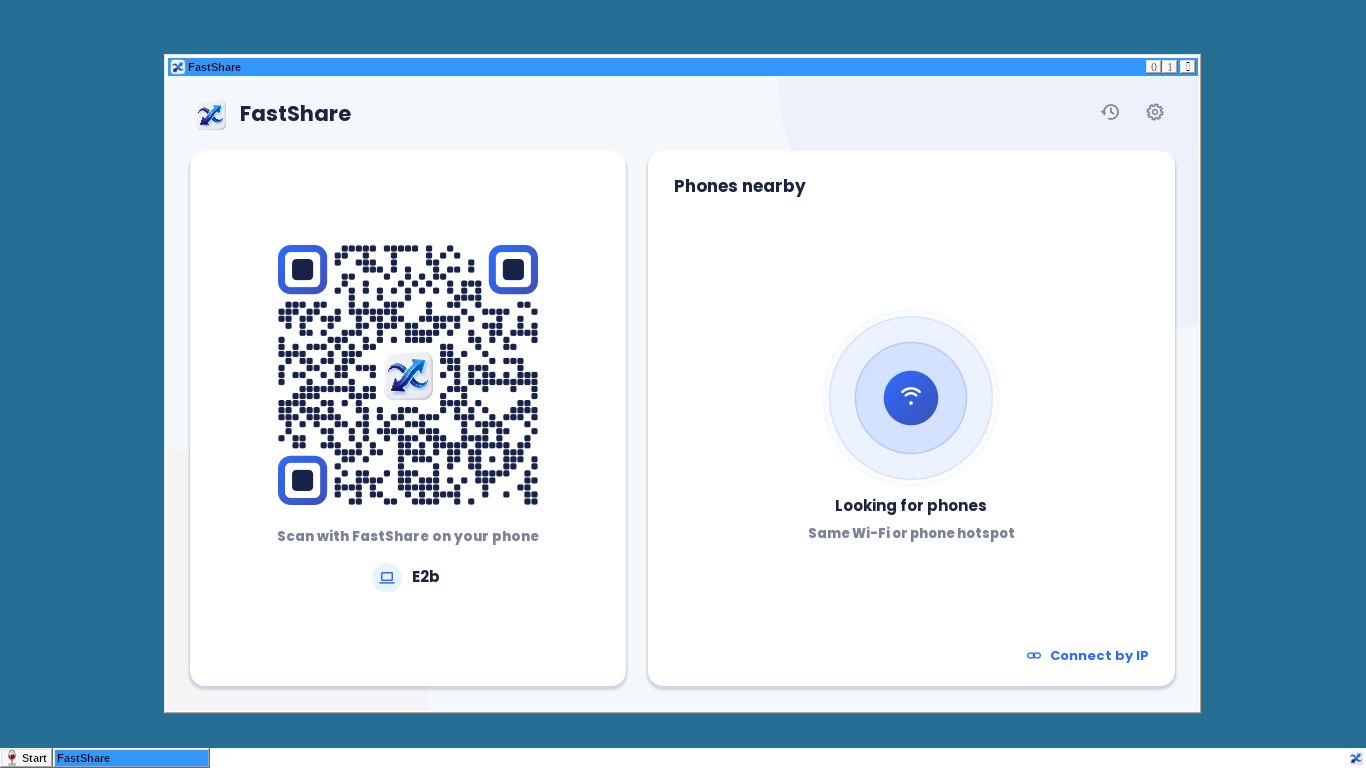
Send to PC, both waysFree Windows app. PCs on the same Wi-Fi appear automatically, or scan a QR code.
Browser modeA laptop without the app opens the address shown on the phone in any browser to download or upload.
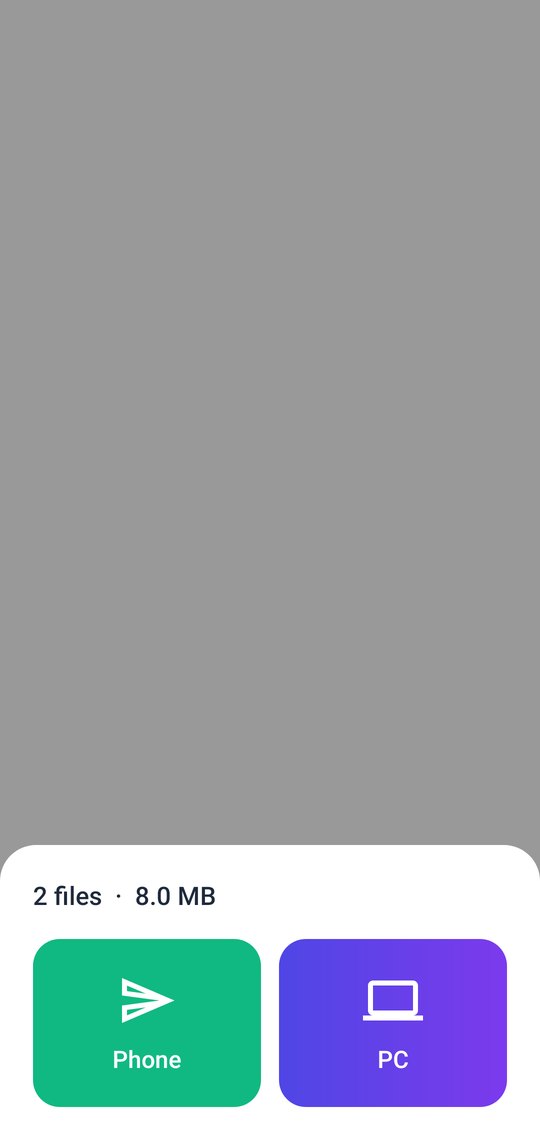
Share from any appPick FastShare in Android's share menu and send to a phone or a PC.
ResumeA cut transfer continues from where it stopped.
Big files & foldersFiles over 4 GB, whole folders, hundreds of small files at once.
Real live speedThe real measured speed with the Wi-Fi band in use. No fake numbers.
Light & freeClean design, no sign-up. The Android app is ad-supported; Windows has no ads.
Honest speed
| Your phones | Link | Typical speed |
|---|---|---|
| Either phone 2.4 GHz-only (many budget phones) | 2.4 GHz Wi-Fi 4 | ≈ 5–12 MB/s |
| Both phones 5 GHz Wi-Fi 5 | 5 GHz | ≈ 20–40 MB/s |
| Both phones Wi-Fi 6, close together | 5 GHz Wi-Fi 6 | 40+ MB/s |
A direct transfer can't be faster than the Wi-Fi radios in both phones. FastShare picks the fastest link both support and shows the real speed.
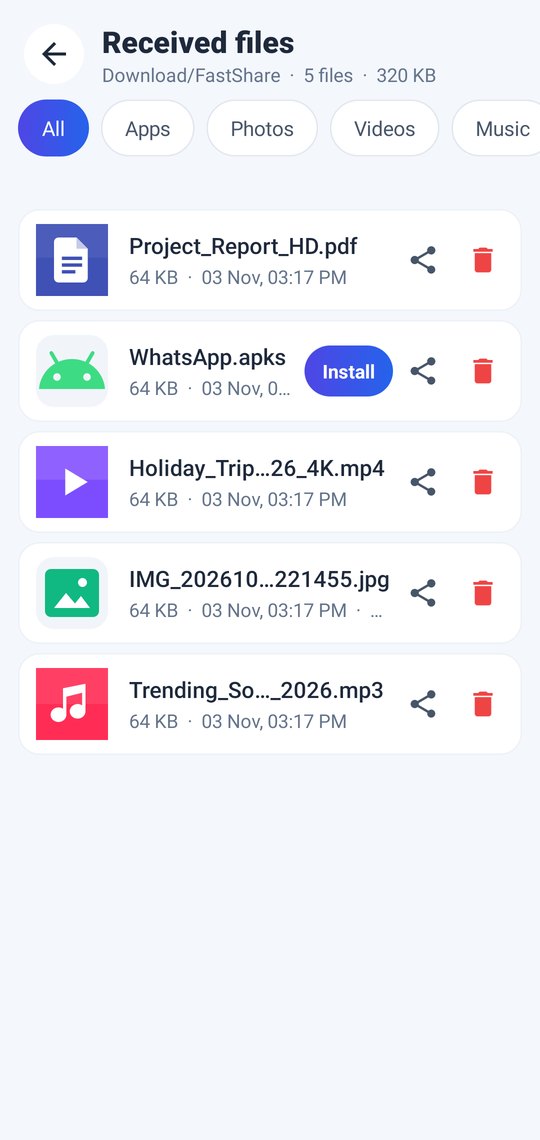
Screenshots
Privacy
No account. Your files go straight from one device to the other over your local Wi-Fi or Wi-Fi Direct link and are never uploaded to a server. The Android app shows ads (Unity Ads), which use the internet and may use the advertising ID.